
Solution
Meeting Room Booking & Office Automation with Oficeora
Oficeora helps offices book meeting rooms and shared resources without double bookings, with tablet and signage options so everyone can see what is free.
Product website
Oficeora.com
Meeting room scheduling, resource booking, tablet integration and digital signage.
Visit Oficeora.com (opens in a new tab)The problem
What this solves
Two teams turn up for the same room, rooms are booked and never used, and reception has no simple view of what is happening across floors.
Who it is for
- Corporate offices and head offices
- Co-working spaces
- Universities with shared rooms and labs
- Hospitality and restaurant operations (concept, confirm scope)
How it works
From setup to daily use
Map your spaces
Rooms, capacities, equipment and shared resources are added.
Set booking rules
Who can book what, for how long, and which bookings need approval.
Book
Staff book rooms and resources from the web, seeing availability in real time.
At the door
Optional room tablets show the current and next booking.
In the lobby
Optional digital signage shows today’s meetings and directions.
Review usage
Admins see utilisation to plan space better.
Use cases
Where it fits
Head office
Departments book boardrooms and see availability without calling reception.
Shared equipment
Projectors and vehicles are booked like rooms to avoid clashes.
Visitor-facing lobby
Signage shows today’s meetings for guests.
Features
Modules and capabilities
Core features Available
- Meeting room scheduling
- Resource booking
Optional modules Configurable
- Room door tablets
- Digital signage
- Approval workflows
- Restaurant / hospitality operations modules (concept)
- Calendar integrations
Availability depends on your setup and third-party providers. We confirm each item during the demo.
Screens
See the product
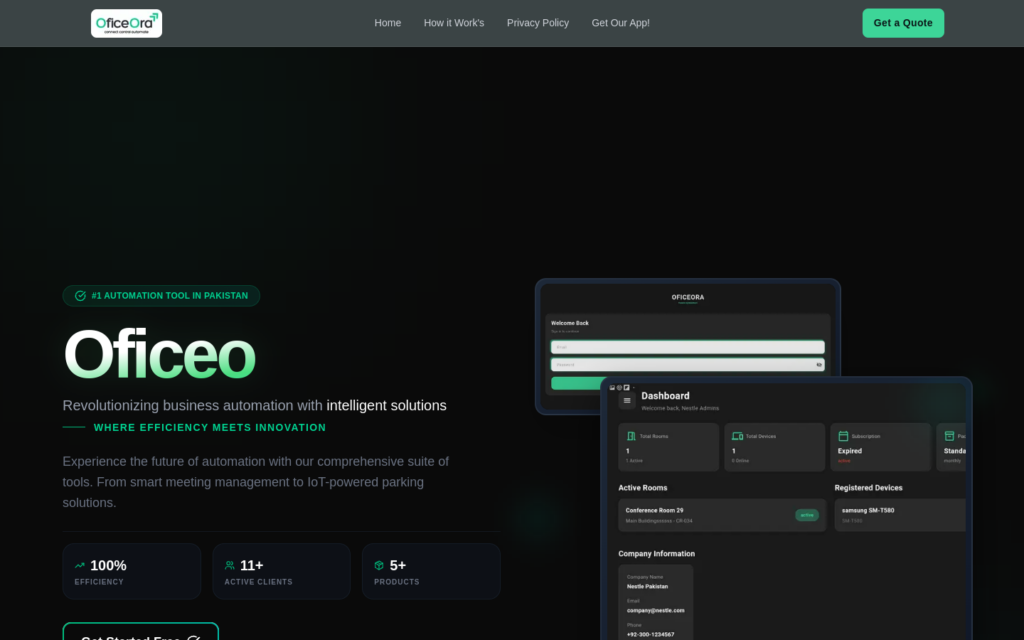
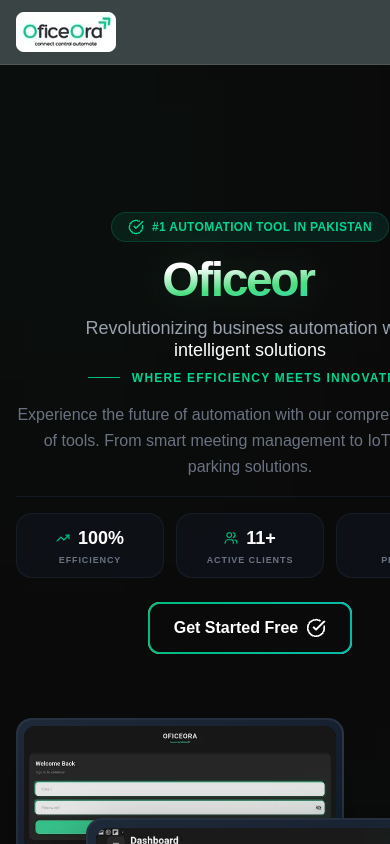
Live screenshots of the public product site on desktop and phone. We walk you through the admin portal in a free demo.
Portfolio
Related products and projects
Oficeora
Meeting room scheduling and resource booking, with tablet and digital signage options.
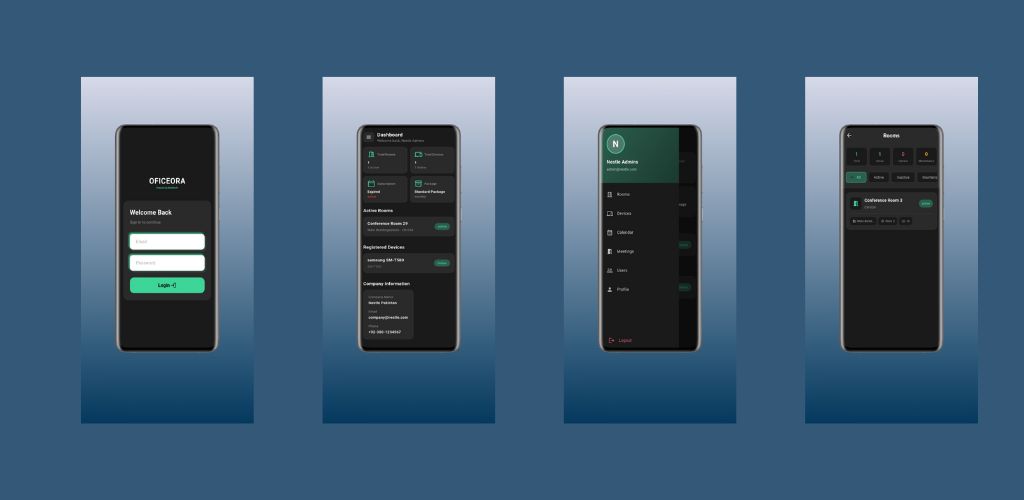
Oficeora app
Android app for Oficeora meeting room scheduling, with companion employee and door name-screen panel apps.
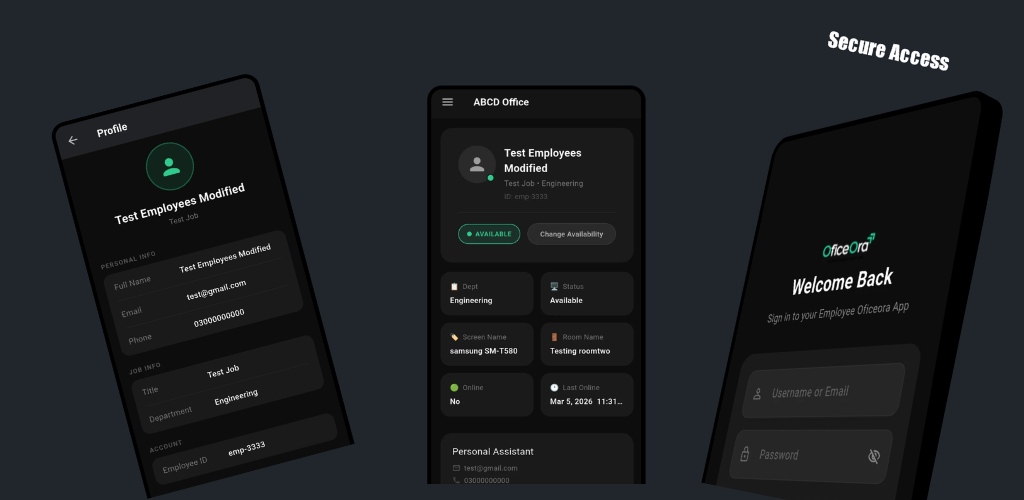
Oficeora Employee Panel
Android app for Oficeora employees: sign in, see room bookings and manage their schedule from the phone.
Keep exploring
Related services, solutions and articles
FAQs
Questions about Meeting Rooms (Oficeora)
What is Oficeora?
Oficeora is MAGMA3C’s product for meeting room scheduling and resource booking in offices, with optional tablet and digital signage displays.
Does Oficeora prevent double bookings?
Yes, rooms and resources show real-time availability, so a slot that is taken cannot be booked again.
Do we need tablets outside each room?
No. Tablets and signage are optional. Many offices start with web booking and add displays later.
Can it work with Microsoft 365 or Google calendars?
Calendar integration is a configurable option. Tell us which calendar you use and we will confirm compatibility in the demo.
Can Oficeora be used for restaurants?
Restaurant and hospitality operations are an area we are exploring with Oficeora. Ask for a demo to see what is available today.
See Meeting Rooms in action
Book a free demo or request a technical consultation. We will walk through setup, daily use and the options that fit your organisation.